
Configure the harness
Builder lane · Mission: make the environment predictable
Configuration should remove repeated setup from sessions. Put standing behavior in the right durable surface and leave one-off outcomes in the request.
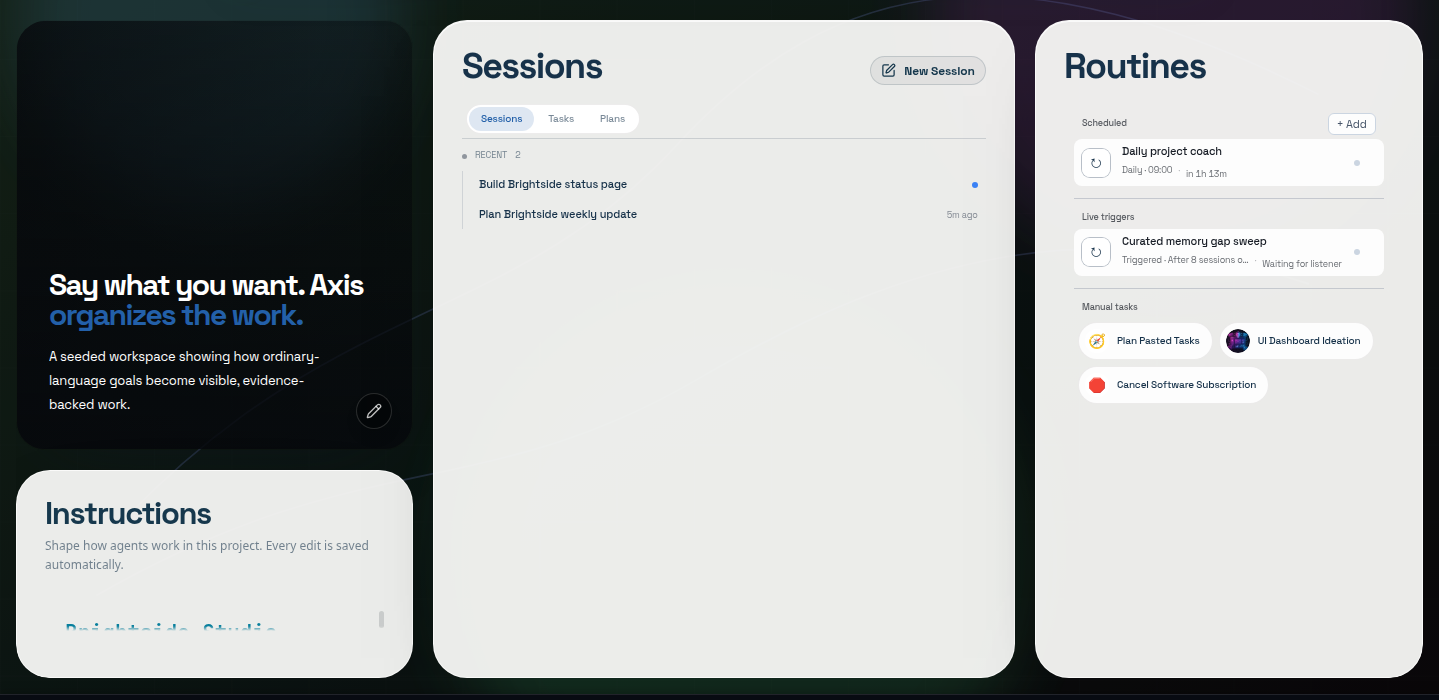
Real Axis UI with deliberately seeded, privacy-safe demonstration content.
Start with the working agreement
Section titled “Start with the working agreement”AGENTS.md is the project’s working agreement. Use it for stable conventions, safety
boundaries, validation requirements, canonical terminology, and source-of-truth rules.
Use Memory for learned knowledge, a Space’s Up next list for unfinished work, and project files or connected systems for current truth.
See The project working agreement.
Connect providers through supported flows
Section titled “Connect providers through supported flows”Model and capability providers may offer account sign-in, API-key, local bridge, or other connection methods. Use the current provider setup surface. Credentials must not be stored in the repository, AGENTS.md, screenshots, or transcript.
A hosted provider receives the context sent to it. Local Axis storage does not remove that external boundary.
Set capacity around the host
Section titled “Set capacity around the host”Axis limits concurrent project work so background agents, Routines, and service shells do not starve the active workspace. Work over capacity should report a waiting state rather than silently launching anyway.
Capacity is not a guarantee that every process will be cheap. Inspect named services and active sessions when the host is under pressure.
Use appearance for orientation
Section titled “Use appearance for orientation”Project-specific themes and backgrounds can help distinguish workspaces. Appearance is presentation, not project identity; switching a theme must not move sessions, reset state, or change the project boundary.
Understand the data boundary
Section titled “Understand the data boundary”Axis keeps its durable project/session record and transcript state on the node running Axis. Project files remain in their chosen directories. Provider credentials use the supported secure storage path.
Hosted models, connected integrations, browsers, and remote devices still exchange the minimum data required for the action you authorize. Review those systems’ own boundaries.
Manage long-running services visibly
Section titled “Manage long-running services visibly”Use named service shells for servers, workers, imports, and watchers. Restarting the Axis application process and restarting the terminal-owning service are different operations; consult the installed CLI/help before changing either.
Connect other devices deliberately
Section titled “Connect other devices deliberately”With Axis Cloud, any device reaches your server by signing in with your Axis account; there is nothing to configure. A self-hosted node is reached through a private network you manage, usually Tailscale. See Remote access.
Mission complete when
Section titled “Mission complete when”Start a new low-risk session. It should inherit the correct project rules, offer only working provider choices, respect capacity, and require no secret or standing policy in the prompt.