
CLI
This page reflects the current source CLI at the time the docs were written. Run
axis --help on the installed version before scripting: the installed help is the
authority for available commands, flags, and defaults.
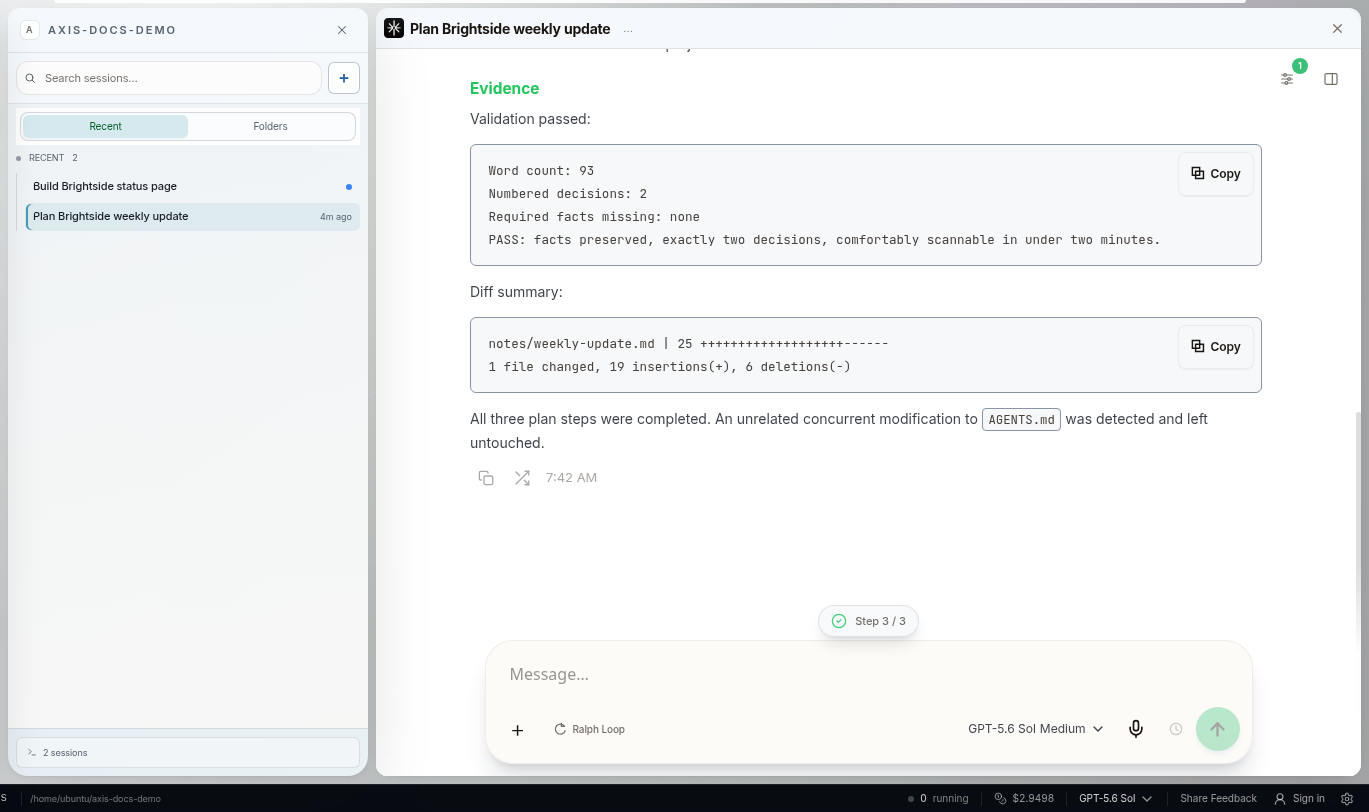
Real Axis UI with deliberately seeded, privacy-safe demonstration content.
axis <command> [subcommand] [options]Current global options:
| Option | Job |
|---|---|
--json, -j |
Request machine-readable output where supported |
--url <url> |
Target a specific Axis server |
--help, -h |
Show installed help |
The current source defaults to AXIS_URL or http://localhost:3000. Remote and packaged
installations may use HTTPS or another configured endpoint; do not paste private node
addresses into shared scripts or docs.
Start with read-only inspection
Section titled “Start with read-only inspection”axis healthaxis pulseaxis agentsaxis statsaxis sessions --activeaxis projectsaxis tasksUse --json when another tool needs structured results:
axis pulse --jsonaxis tasks info <task-id> --jsonA transport success proves only that the command reached Axis. For writes and external side effects, verify the intended destination state separately.
Search
Section titled “Search”axis search "login regression"axis search "project:my-app model:claude"axis sessions search "migration"Current top-level search help lists operators including project:, model:, role:,
cost:>, cost:<, from:, to:, and tokens:>. Verify semantics against installed
help before building durable automation.
Work with exact sessions
Section titled “Work with exact sessions”axis sessionsaxis sessions info <session-id>axis sessions send <session-id> "Review the latest evidence."axis sessions pause <session-id>axis sessions resume <session-id>axis sessions stop <session-id>Lower-level Pi session commands include current-session discovery, message/tree/context inspection, exact PTY lookup, scrollback, and send. Use the full exact session identity. Never substitute “newest session in this directory” for a requested target.
axis session currentaxis session show <id|file|current>axis session messages <ref> --compactaxis session tree <ref>axis session context <ref>axis session pty <ref>Sending, pausing, resuming, stopping, terminal writes, and kills mutate live work. Inspect the target first and preserve unsent or active work.
Projects and tasks
Section titled “Projects and tasks”Current project commands list, inspect, create, connect, archive, unarchive, and rename. Task commands list, inspect, move, and delete task records.
axis projects info <path>axis projects connect <path>axis projects archive <path>axis tasks <project-path> --status <status>axis tasks move <task-id> <status>Archiving a project is not deleting its directory. tasks delete is destructive to the
task record; inspect and confirm the exact target before using it.
Terminals, servers, and services
Section titled “Terminals, servers, and services”axis terminal listaxis terminal read <id> --lines 20axis servers status <project>axis servers scripts <project>axis serviceaxis service logs axis --lines 100Write/kill/start/stop/restart commands can interrupt active work. Read current state and confirm ownership before mutation. Restarting the terminal-owning service has a different impact from restarting the Axis server.
Tailscale and configuration
Section titled “Tailscale and configuration”axis peersaxis configaxis versionThese outputs may contain private host, peer, path, or configuration information. Redact before sharing.
Keep this page versioned
Section titled “Keep this page versioned”A claim that this lists “every command” is safe only when generated from and versioned
with the shipped CLI. Until that generation pipeline exists, use this as a job-oriented
map and the installed axis --help as exact truth.