
Inbox and approvals
When an agent needs something only you can give, such as a decision, an approval, a login or a two-factor code, it stops and asks. Axis then makes sure you can find that request quickly and answer it in the exact chat that asked.
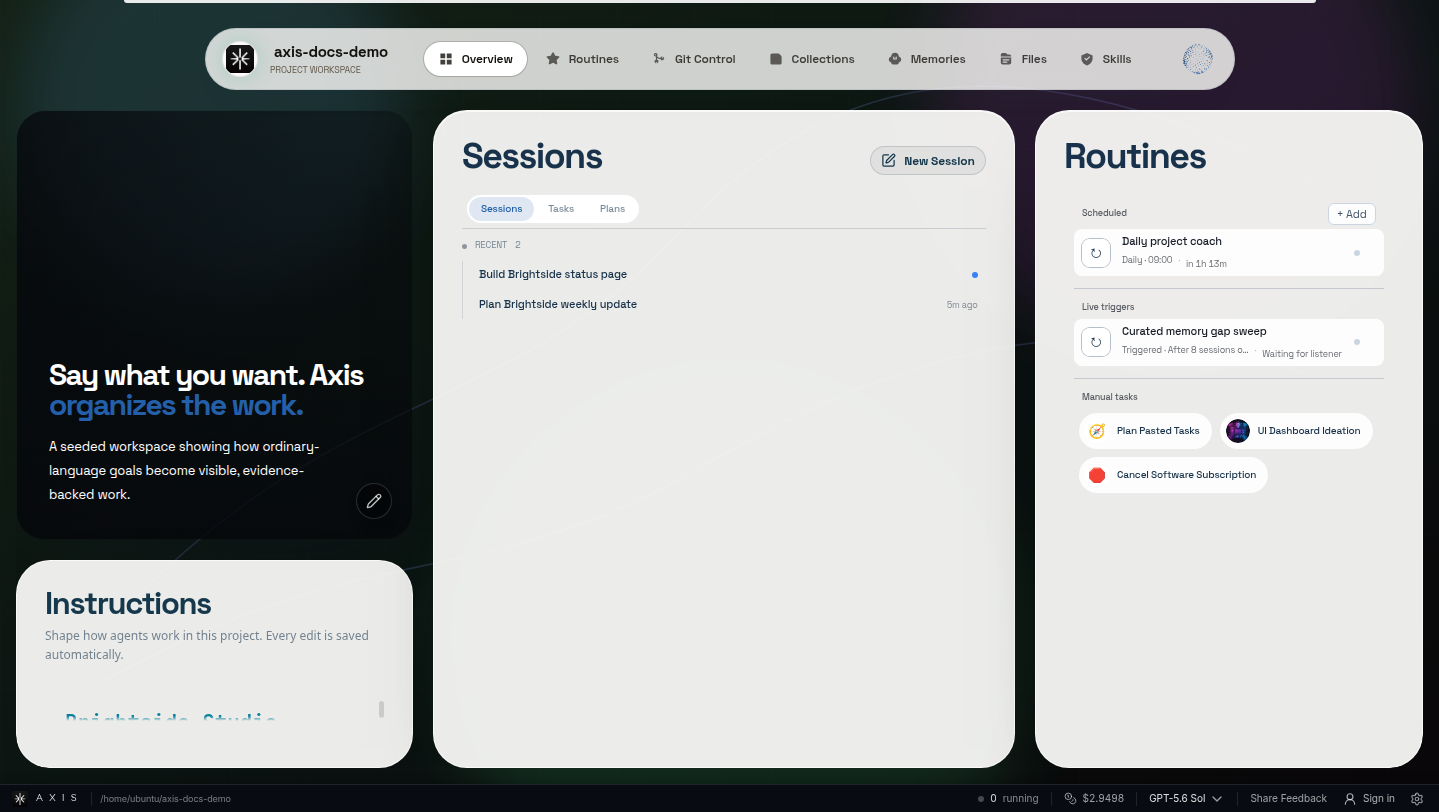
Real Axis UI with deliberately seeded, privacy-safe demonstration content.
Where waiting work shows up
Section titled “Where waiting work shows up”- Inbox. Switch the sidebar from Work to Inbox to see every chat in the project that needs you, under Needs you. It is the one place to check for updates.
- Project badges. The number on a project in the project rail is exactly its Inbox count.
- Needs you on Space pages. Each Space page lists the chats in that Space waiting on you, and a folded Space in the sidebar shows a count.
- The chat itself. The request appears in the conversation as an Ask: choices, yes or no, or a short answer, with the evidence above it.
Answer one well
Section titled “Answer one well”- Open the item from the Inbox or a Space’s Needs you list.
- Read what the agent is asking and the evidence around it.
- Answer, approve or deny exactly what is presented.
An approval covers only the action and scope described in the Ask, not anything broader. A denial leaves the proposed action undone. Either way, the agent continues from where it stopped.
What counts as needing you
Section titled “What counts as needing you”Agents ask when the answer changes scope, cost, risk or design, or needs your authority: sending a message, publishing, deploying, paying, deleting, or signing in. They should not ask about details they can find out themselves, and if nothing is blocking them, they keep working instead of inventing an approval.
A finished chat is not the same as accepted work. Open the result and check the evidence when it matters.
Related references
Section titled “Related references”Put this to work: Follow one result from its chat to the evidence that needs you.