
Keyboard
Shortcuts can vary by platform and Axis version. The interface and its shortcut/help surface are authoritative for the build you are using.
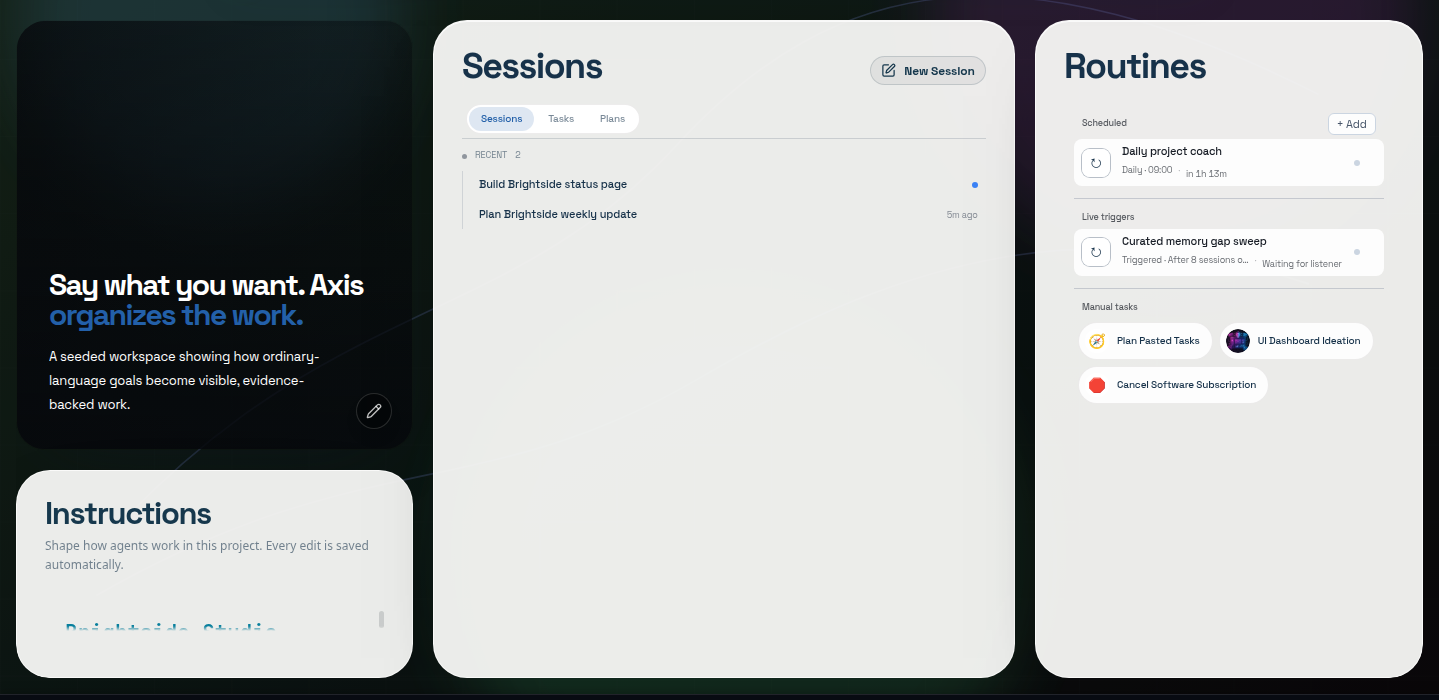
Real Axis UI with deliberately seeded, privacy-safe demonstration content.
Composer
Section titled “Composer”| Keys | Action |
|---|---|
Enter |
Send the current message |
Shift + Enter |
Add a line break |
Enter with an empty composer during active work |
Steer the oldest queued message now |
Up from the first logical line |
Step backward through sent-message history |
Down from the last logical line |
Step forward through history |
Esc while browsing history |
Restore the unsent draft |
Typing text or staging an attachment changes the busy-session control from Stop to Send. The follow-up joins the steering queue; when the composer is empty, the control returns to Stop while the current turn remains interruptible.
Inline palettes
Section titled “Inline palettes”| Prefix | Searches |
|---|---|
@ |
Projects and sessions globally; files in the current project; saved Collection items |
/ |
Axis-owned commands available in the current composer |
Use Up and Down to select, Enter or Tab to insert, and Esc to dismiss. An @
selection carries durable identity such as a path or session reference rather than
only visible label text.
| Command | Effect |
|---|---|
/btw |
Open a fresh child composer in this session’s workspace |
/btw <text> |
Open the child and use <text> as its first request |
Axis consumes /btw; it is not sent to the current agent as prompt text.
Transcript navigation
Section titled “Transcript navigation”- Deliberately scrolling away from the bottom pauses auto-follow.
- Jump to latest resumes following live output.
- Selecting a prompt in the turn rail jumps to that turn, including the first prompt.
- Opening a Working/Worked fold reveals its timeline without mixing that evidence into the final answer.
Global shortcuts
Section titled “Global shortcuts”Common installed builds expose shortcuts for global search, sidebar search, and starting a session. Because browser and operating-system bindings can conflict, use the shortcut labels shown in your current Axis interface rather than relying on a copied list from a different version.