
Model providers
Axis does not sell you a model or lock you into one. You connect the provider you want, under your own account, and switch whenever a different model fits the job better. Requests go from your Axis server directly to that provider; Axis does not sit in the middle or mark up usage.
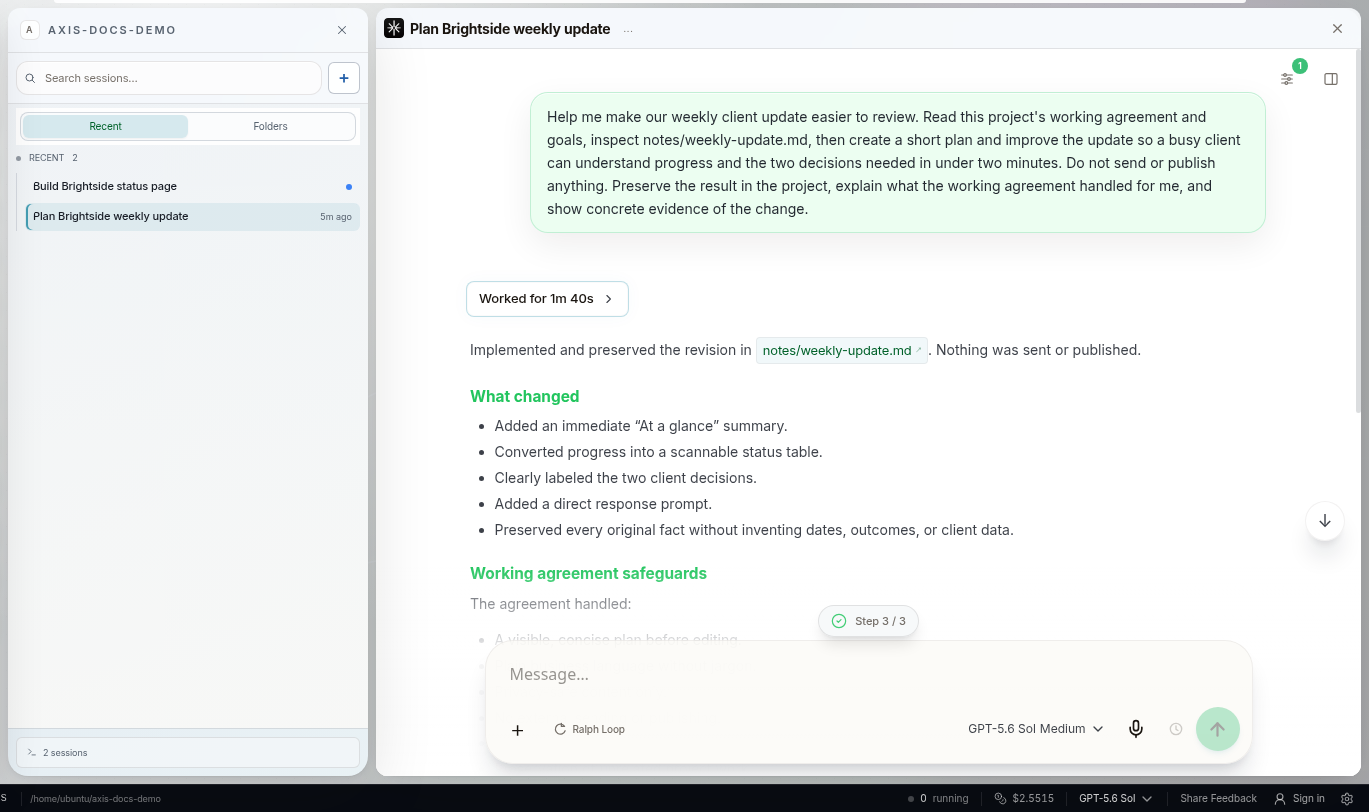
Real Axis UI with deliberately seeded, privacy-safe demonstration content.
Ways to connect
Section titled “Ways to connect”Sign in with a subscription you already pay for, where the provider supports it:
- Anthropic: Claude Pro or Max
- OpenAI: ChatGPT Plus or Pro
- GitHub Copilot
- xAI: Grok or X subscription
- Kimi Code
- OpenRouter
Paste an API key from a long list of providers, including Anthropic, OpenAI, Google (Gemini and Vertex AI), xAI, Mistral, DeepSeek, Groq, Cerebras, Together, Fireworks, OpenRouter, Amazon Bedrock, Azure OpenAI, Moonshot, MiniMax, Z.ai, NVIDIA, Cloudflare and Vercel AI Gateway.
Run local models with Ollama on a self-hosted machine. Axis finds installed models that can use tools, with no account or key. “Local” means the machine running Axis, so this suits self-hosted installs with enough memory.
The exact list in your model picker comes from the version of Axis you are running.
Set up and switch
Section titled “Set up and switch”- Open the model picker in any composer, or Settings → AI providers.
- Choose a provider and use its sign-in or key field. Axis verifies it works before saving.
- Pick the model and thinking effort for the next message.
Switching model keeps the same chat: its history, draft, queued follow-ups and identity stay attached. Each bot and sub-agent can use a different model, so you can put a fast, cheap model on routine work and a stronger one on hard problems.
No surprise charges
Section titled “No surprise charges”Axis treats a subscription and a pay-per-use API key differently. If a subscription hits its limit, Axis can move to another subscription you have connected. It will not quietly switch to a pay-per-use key: it pauses and asks first, explaining the separate charges, and only your approval lets it continue. A saved preference sets the order to try, not permission to spend.
Keys stay yours
Section titled “Keys stay yours”- Keys and sign-ins are stored on your own server, never in project files, prompts, Routines, screenshots or Docs.
- A provider sees the prompt and context sent for each request, under that provider’s own terms. Pick the provider and plan that suits the sensitivity of your work.
- A command-line tool you signed in to separately does not automatically authorize Axis. Connect the provider in Axis.