
Projects and workspaces
A project is the durable home for related work. A workspace is the session-owned view of the conversation and the resources needed to complete that work.
Proof sequence
One project, several durable systems
The Brightside Studio project keeps related context and execution surfaces together.
The whole project boundary
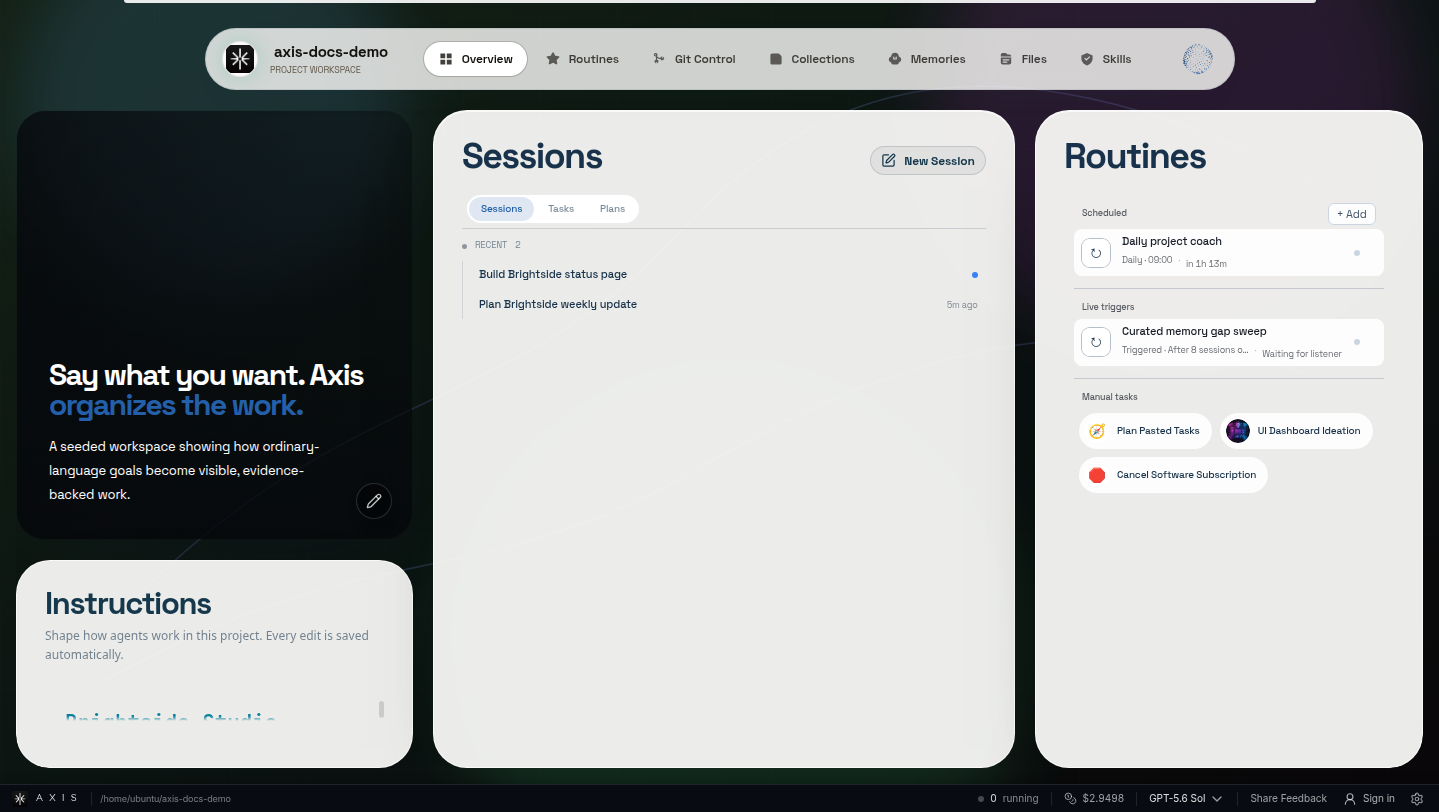
Working agreement, sessions, and repeatable work share one durable home. Independent work threads
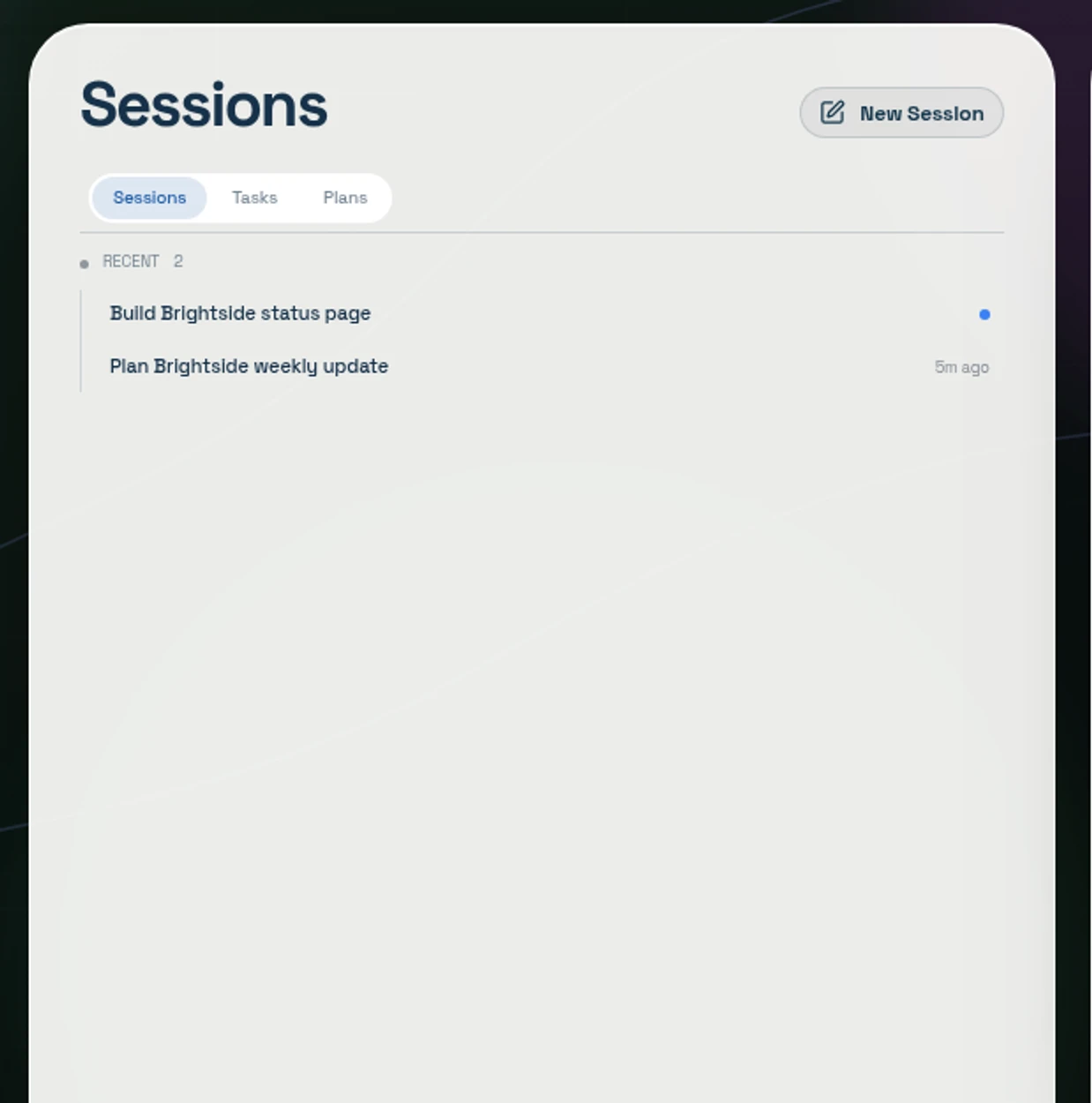
Each objective keeps its own continuing identity inside the project. Repeatable project work
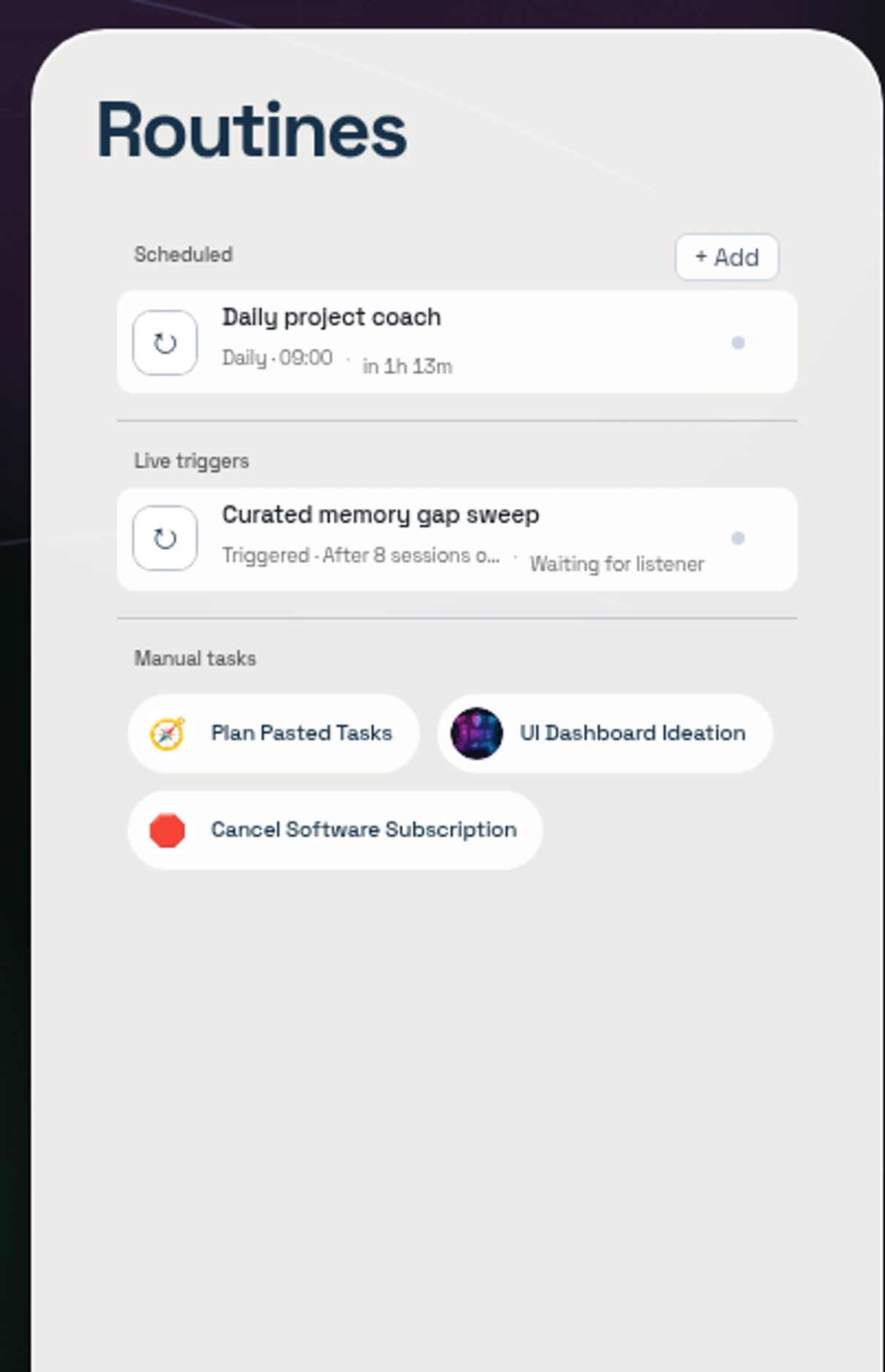
The same project boundary governs work that runs later or repeatedly.
What a project carries
Section titled “What a project carries”A project usually points at an existing directory and works with it in place. It scopes:
- sessions and workstream folders,
- the AGENTS.md working agreement,
- relevant memory, and Spaces with their Up next lists,
- skills, services, Routines, and Collections,
- project settings, costs, and history.
The point is not only isolation. It is that a new session enters a stable operating environment instead of an empty chat.
Workstream folders preserve the objective
Section titled “Workstream folders preserve the objective”A folder can group sessions around a durable line of work. Useful folder context includes purpose, current objective, decisions, blockers, linked resources, and next action.
That makes a folder workstream memory, not a decorative sidebar accordion.
A workspace belongs to its session
Section titled “A workspace belongs to its session”Opening the workbench reveals tabs owned by the displayed session:
| Surface | Burden it removes |
|---|---|
| Browser | Keeps the live web state and visual proof with the work |
| Preview | Keeps the running app route beside the discussion |
| Collection item | Keeps a durable report, image, document, or tool accessible |
| Terminal | Exposes an exact live shell when human inspection is needed |
| Service shell | Keeps long-running processes named and visible |
| Agent Graph | Keeps the parent and child orchestration navigable |
Different resources open as sibling tabs. Closing a support tab changes visibility; it does not necessarily delete the underlying saved resource or durable attachment. Closing the last visible tab collapses the workbench.
Ownership prevents workspace drift
Section titled “Ownership prevents workspace drift”Switching sessions swaps the supporting surfaces with the conversation. A background session may attach a surface quietly, but should not steal focus from the workspace you are using.
A browser or preview may be pinned as a reusable project resource. Reattaching a live browser should reuse its identity rather than create a duplicate page with separate history.
Services are project resources
Section titled “Services are project resources”Long-running servers and workers belong in named service shells. A project should have
one canonical managed service per runtime port. Routes such as /settings are browser
destinations, not separate servers.
See Service shells.
Choose your viewing scope
Section titled “Choose your viewing scope”Use All Projects when you want to scan sessions across every project from one sidebar. Click an individual project when you want the sidebar, sessions, workstreams, and resources narrowed to one focused context. Switching scope changes what you see; it does not move sessions out of their owning projects.
A practical rhythm is to scan All Projects for Needs approval, Unread, and In progress work, then enter one project to concentrate. See Understand session states for the full workflow.
Project attention is not backlog volume
Section titled “Project attention is not backlog volume”Project badges should point to human-visible attention—such as unresolved approvals or new actionable state, not count every open task. Open a Space’s Up next list for the full workload.
Builder details
Section titled “Builder details”Current CLI support can register, inspect, archive, unarchive, and rename projects. Use
axis projects --help from the installed version before scripting exact flags. Archiving
is a visibility/lifecycle action; it must not be described as deleting the directory.
Mission complete when
Section titled “Mission complete when”A new session begins in the right project, follows its working agreement, and keeps its browser, service, saved result, and evidence attached after you navigate away and back.