
Service shells
Builder lane · Mission: stop hiding durable processes in disposable terminals
A service shell is a managed, visible home for a long-running process. Use it for dev servers, workers, imports, scrapers, monitors, and watchers that should keep running while a session continues.
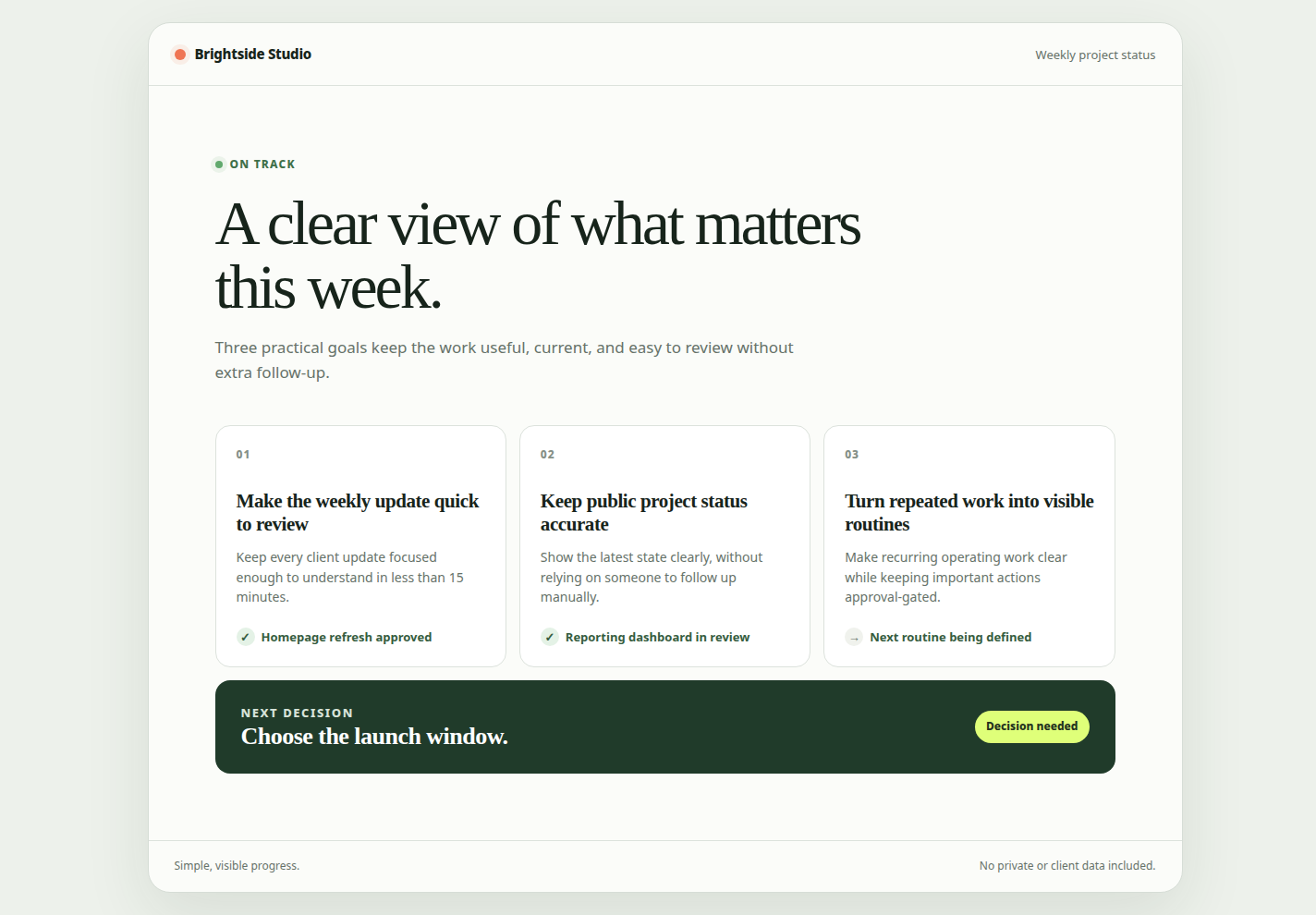
Real Axis UI with deliberately seeded, privacy-safe demonstration content.
Why the surface matters
Section titled “Why the surface matters”A process started in an ad-hoc terminal is easy to duplicate and hard to diagnose. Nobody knows which command owns the port, where logs live, or whether the process should survive the session.
A named service can be inspected, reused, restarted, stopped, and paired with a browser or preview in the project workspace.
Reuse before launching
Section titled “Reuse before launching”Before starting a server or worker, inspect existing project services and ports. If the canonical process already exists, attach to it instead of creating a duplicate.
One runtime port should map to one canonical managed service. /settings and /reports
are browser routes, not separate services when the same server owns both.
Use a stable start command
Section titled “Use a stable start command”The saved command should start the process. Do not make a cleanup operation such as a cache wipe part of the canonical launch command; it would run on every restart and can destroy useful state.
When auto-detection chooses the wrong command, change the managed configuration explicitly and record why.
Read logs before restarting
Section titled “Read logs before restarting”Inspect bounded recent output and current status first. A repeated restart can hide the first useful error or create a port race. If a port is occupied, identify the owner before killing it; the process may belong to another active workstream.
Pair the runtime with evidence
Section titled “Pair the runtime with evidence”Attach the service and its real browser/preview route to the session doing the work. For UI changes, the server log supports diagnosis; the inspected live page and screenshot prove the experience.
Keep background work subordinate
Section titled “Keep background work subordinate”Managed background services should run with lower priority than the active Axis workspace where supported. Capacity and visibility do not guarantee a process is safe; stop stale or runaway services deliberately.
CLI note
Section titled “CLI note”The installed CLI exposes axis servers ... commands for listing, status, scripts,
start, stop, and command overrides in current builds. Use axis servers --help or the
top-level axis --help from the installed version before scripting exact arguments.
Mission complete when
Section titled “Mission complete when”A later session can find the one named service, read its logs, open the correct route, and stop or reuse it without guessing which hidden terminal owns the process.