
Configuration details
Use axis config, axis version, and installed help for the node you are operating.
Do not assume a copied path, port, or enum from another build is authoritative.
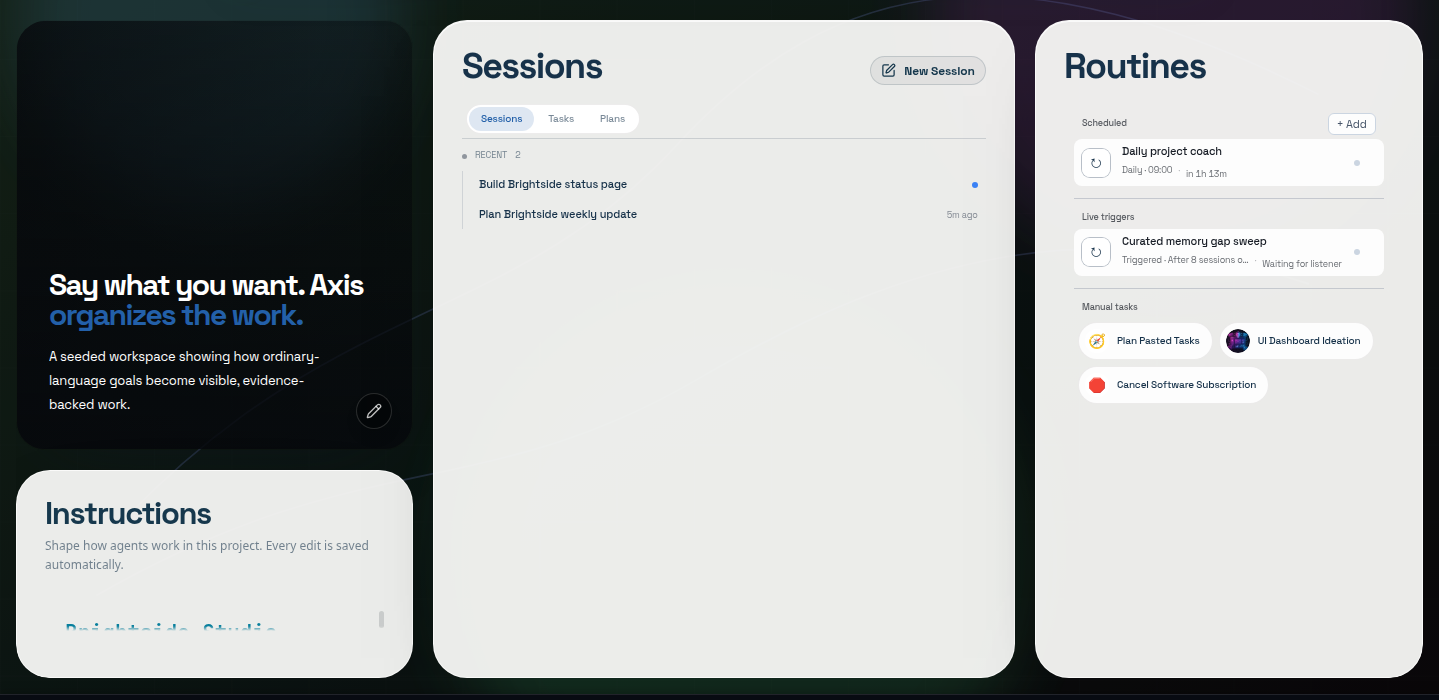
Real Axis UI with deliberately seeded, privacy-safe demonstration content.
Server target
Section titled “Server target”The current CLI accepts:
| Setting | Effect |
|---|---|
AXIS_URL |
Default Axis server target when supported by the installed CLI |
--url <url> |
Per-command target override |
The current source CLI default is http://localhost:3000. Packaged or secure nodes may
use another configured HTTPS origin. Never publish a private remote origin as a universal
default.
Standard local processes
Section titled “Standard local processes”Current development architecture commonly uses:
| Port | Role |
|---|---|
3000 |
Axis server |
3001 |
terminal-owning service |
Secure/public ports and redirects depend on deployment configuration. Check the running node rather than hardcoding development ports into remote clients.
Data locations
Section titled “Data locations”Publicly useful boundaries are more stable than exact private paths:
| Data | Boundary |
|---|---|
| Project files | Existing user-selected directories |
| Durable Axis records | Local Axis node storage |
| Session event/transcript files | Local session storage managed by the runtime |
| Provider credentials | Supported secure credential/keychain storage |
Exact storage paths are platform- and release-sensitive and may expose usernames. Use installed diagnostics when support needs them; do not place them in public screenshots.
Status vocabulary
Section titled “Status vocabulary”Do not collapse every state into one table.
Human-facing session activity
Section titled “Human-facing session activity”- Ready/idle: no current turn is running.
- Working: active turn work is visible.
- Waiting on you: a question, approval, credential, or human action blocks progress.
- Settled: the current turn has concluded.
Durable workflow status
Section titled “Durable workflow status”Records such as tasks or sessions may use lifecycle values including backlog, todo,
in_progress, in_review, done, and cancelled where the current API/tool supports
them. Those stored values are not the same thing as live activity indicators.
Terminal states should clear stale running presentation. Work requiring human input must remain open rather than being marked done.
Activity filters
Section titled “Activity filters”Current CLI help describes session activity filters around recent activity windows (active under about five minutes, idle from about five minutes to one hour, inactive after about one hour). These are list filters, not proof that a process is safe to kill or that a task is complete.
Routine schedules
Section titled “Routine schedules”Public schedule kinds include daily, weekly, and manual where supported. One workflow with multiple daily times should remain one Routine with one run history rather than separate time-named copies.
Capacity and priority
Section titled “Capacity and priority”Project capacity constrains new background work. Work over the limit should wait visibly. Background/automated work may run at lower priority than the active foreground session, but operators still need to inspect runaway services and clientless terminals.
Keep exact schemas generated
Section titled “Keep exact schemas generated”A complete configuration reference should eventually be generated from the versioned public schema and paired with the matching UI. Until then, avoid presenting an incomplete handwritten table as every available setting.