
Start the right Routine from a real event
Event-triggered Routines respond to supported external signals without hiding the work. The activation should create a real run/session you can inspect, steer, and review under the same project rules as interactive work.
Use an event only when it identifies the right work
Section titled “Use an event only when it identifies the right work”Use an event trigger when reacting to a supported source materially improves the outcome: a monitored status change, incoming record, or integration event that should start a known workflow. Prefer a schedule when cadence is predictable and a quick action when a person should choose when to run it.
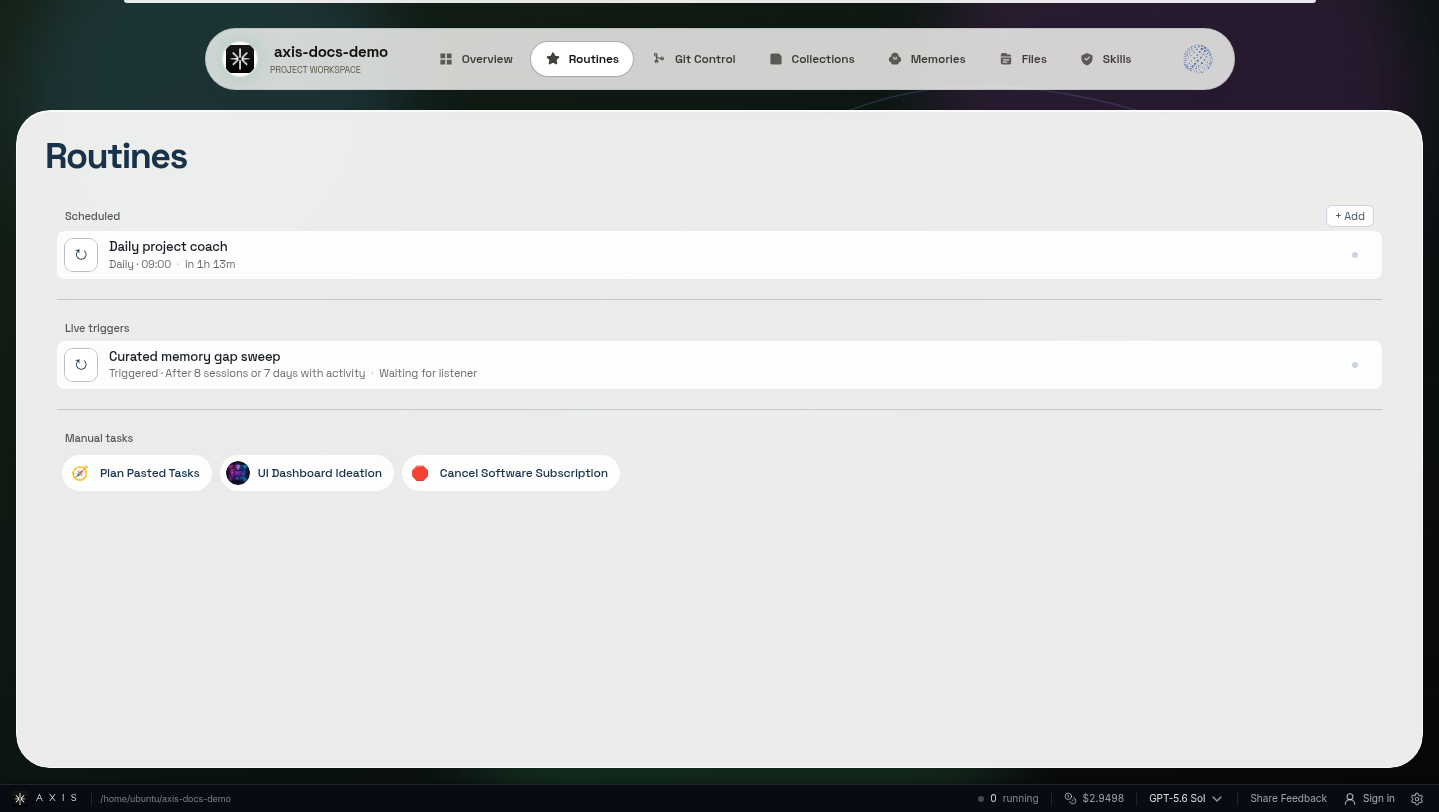
This proves event-triggered Routines exist; it does not imply that every webhook or app has a universal self-serve trigger builder.
What event-driven work adds
Section titled “What event-driven work adds”- Timely response. Supported events can start the right prepared workflow.
- Visible execution. The resulting run remains a normal inspectable session.
- Governed effects. External actions keep the same approval boundaries as manual work.
Mission: configure one supported event
Section titled “Mission: configure one supported event”- Verify the installed Axis build supports the source and setup path.
- Choose the destination project and Routine.
- Pass only the safe minimum event context and a stable event identifier.
- Test deduplication by retrying the same event without duplicating the work.
- Open the resulting session and inspect its evidence and approval behavior.
Supported sources are explicit
Section titled “Supported sources are explicit”Axis does not promise a universal trigger builder. Supported sources, authentication, payload limits, schemas, retry visibility, and setup paths come from the installed release. An event may authorize investigation; it does not automatically authorize a message, deployment, deletion, purchase, or other consequential side effect.
Related references
Section titled “Related references”Put this to work: Define the Routine before choosing its supported activation.