
Quick actions
A quick action is an on-demand launcher for a prepared request. You decide when to run it; Axis supplies the current project context and opens a visible session for the work.
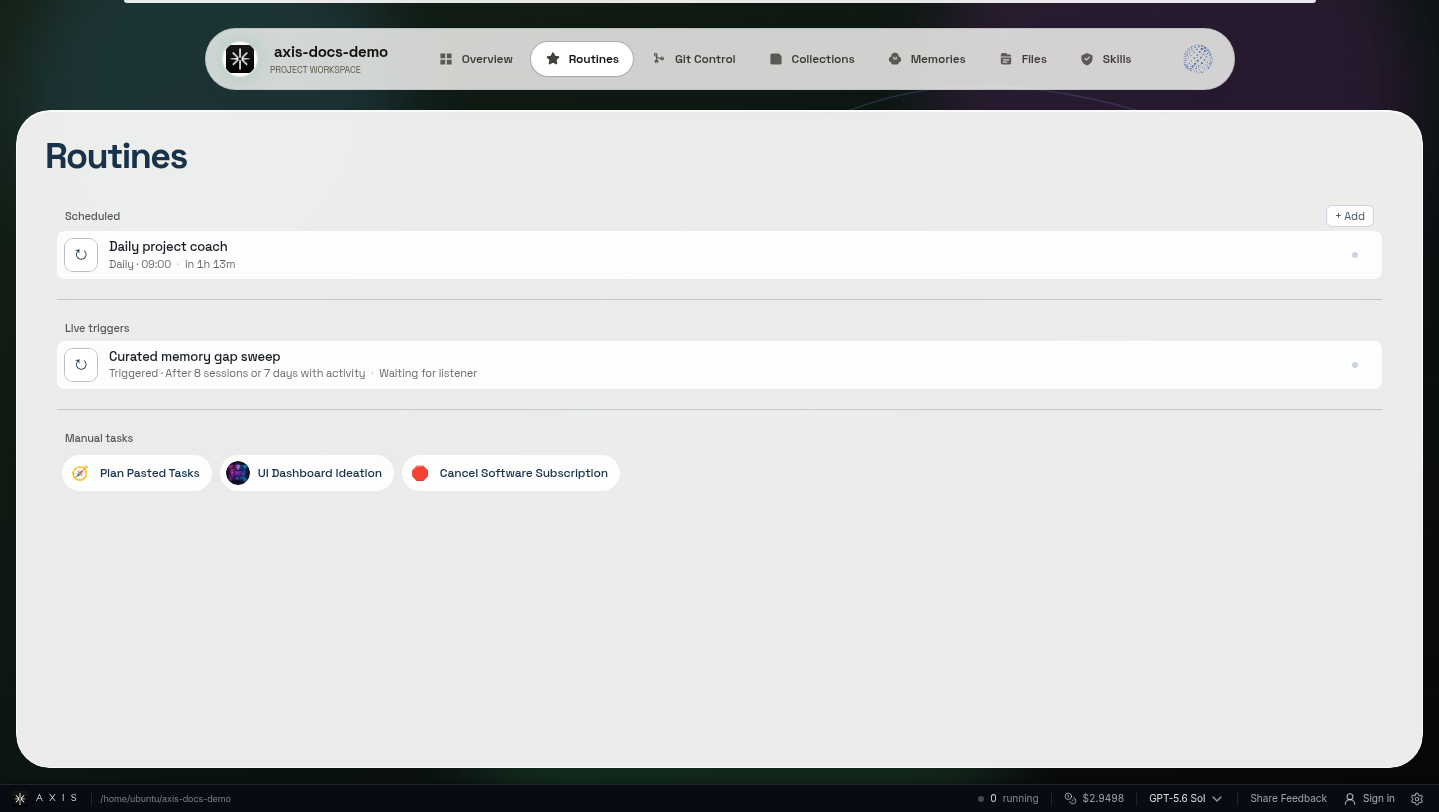
Real Axis UI with deliberately seeded, privacy-safe demonstration content.
Use one for frequent, irregular work
Section titled “Use one for frequent, irregular work”Good examples:
- review the current uncommitted changes,
- inspect this project’s service logs,
- find project work that has gone quiet,
- prepare a changelog from the current release range.
The button removes repetitive setup. It does not remove review or evidence.
Define a complete job
Section titled “Define a complete job”A quick action needs a clear title and a request that can stand on its own. Describe the outcome and expected evidence rather than teaching users a prompt formula:
Review this project's uncommitted changes. Group them by intended outcome, identifyanything unfinished or unrelated, and provide the exact evidence I need before decidingwhat to keep.Project-scoped variables may let one action work across projects. Verify the supported substitution syntax in the current creation surface rather than copying internal tool arguments from another version.
Choose between a quick action and a Routine
Section titled “Choose between a quick action and a Routine”| Need | Best fit |
|---|---|
| Lightweight button, ordinary session is enough | Quick action |
| Scheduled runs and first-class run history | Routine |
| On-demand runs but comparable run history matters | Manual Routine |
| Exact existing session should resume later | Scheduled check-in |
Preserve normal safety
Section titled “Preserve normal safety”Launching from a button does not grant more authority. The resulting session should use the same working agreement, provider boundaries, capacity controls, evidence standards, and approval gates as a request typed by hand.
Keep the library intentional
Section titled “Keep the library intentional”Actions lose value when every one-off prompt becomes a button. Keep actions for stable, recognizable jobs. Rename or remove stale launchers rather than forcing users to remember which near-duplicate is current.
Mission complete when
Section titled “Mission complete when”Run the action in two projects and confirm each session uses the correct project context, produces inspectable evidence, and stops at the same human authority boundary.