
Troubleshooting
Start from the symptom, identify the authoritative layer, and avoid destructive cleanup until you know what owns the state.
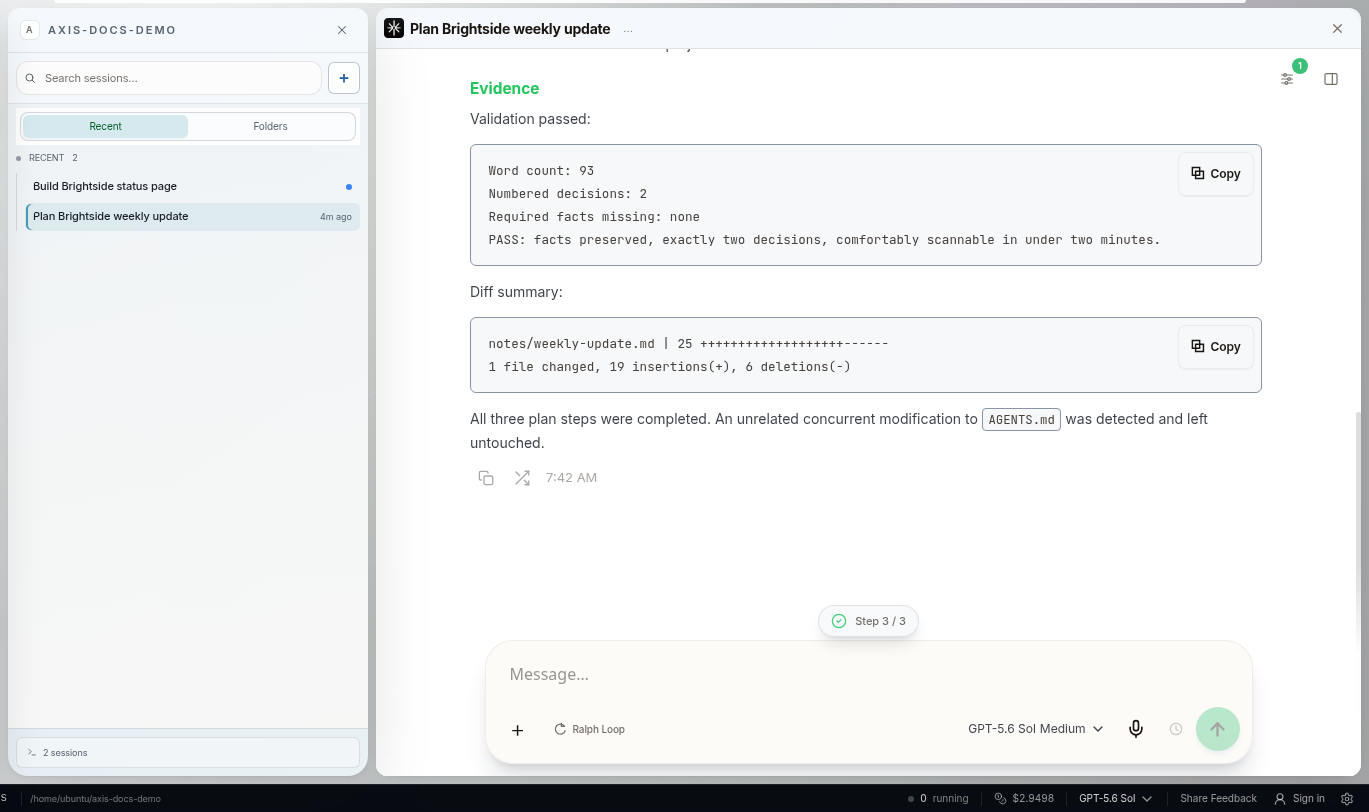
Real Axis UI with deliberately seeded, privacy-safe demonstration content.
First: preserve the thread
Section titled “First: preserve the thread”Do not delete session files, reset databases, kill unknown ports, clear runtime folders, or start replacement sessions as a first response. Capture the exact session, project, visible state, time, and any error message.
Read-only checks in current builds include:
axis healthaxis serviceaxis versionaxis sessions --activeUse installed axis --help if a command is unavailable.
Session looks stuck
Section titled “Session looks stuck”- Open the Working fold. Is a command/tool still running?
- Check whether the session says it is waiting on you.
- Open Raw only if terminal-level truth is needed.
- Confirm the host and connection are healthy.
- Resume or recover the exact session identity rather than starting a similar one.
A waiting session is not stalled. A transport acknowledgement is not proof the prompt entered the transcript. Recovery is complete only when the exact session shows the new request and agent activity.
Message is sending or queued
Section titled “Message is sending or queued”- During active work, a normal follow-up belongs in the steering queue.
- During a real connection loss, the durable prompt can remain visible with the canonical reconnecting state.
- Refresh should not duplicate or discard the prompt.
Do not repeatedly press Send. Inspect whether the same durable message already exists before retrying.
Provider or usage failure
Section titled “Provider or usage failure”An actionable provider boundary should show the failure in the transcript rather than leave Working running forever.
- Reconnect expired credentials through the provider surface.
- Wait for a rate/usage window or switch to an available provider/model.
- Preserve the exact session when changing models during recovery.
- Verify the selected provider/model and new exact-session activity after resuming.
Do not assume a provider CLI login means Axis has usable credentials.
Project-capacity wait or sluggish host
Section titled “Project-capacity wait or sluggish host”A waiting launch may be correctly respecting the project governor. Inspect active sessions and named services before changing limits.
axis agentsaxis terminal listaxis servers status <project>Old clientless terminals and runaway service shells are control-plane problems. Confirm ownership before killing anything; noisy output alone does not prove human use.
Service or local app will not start
Section titled “Service or local app will not start”Read current status and logs before restarting:
axis servers status <project>axis service logs axis --lines 100Identify a port owner before terminating it. Fix the canonical launch command rather than saving a cleanup command that destroys state on every start.
Browser or preview is blank
Section titled “Browser or preview is blank”- Confirm the backing service is healthy.
- Check the exact route and URL.
- Reuse the existing owned pane or live browser identity.
- Capture and inspect the visible state after recovery.
Do not open a second authenticated browser profile as a fallback; it may not share the user’s login or page state.
Another device cannot reach Axis
Section titled “Another device cannot reach Axis”Axis Cloud: open your https://<your-name>.cloud.tryaxis.so address and sign in again. If
it shows a “starting” page, your server is booting or updating; wait a few seconds and refresh.
If it keeps failing, email support@tryaxis.so with the time and what you saw.
Self-hosted: check host power/awake state, Axis health, Tailscale device identity, tailnet policy, node pairing, and network reachability. Do not publish peer lists, hostnames, IPs, QR codes, or pairing codes while asking for help.
Escalate with evidence
Section titled “Escalate with evidence”Provide the Axis version, platform, exact user-visible symptom, timestamp, session or project reference when safe, read-only diagnostic output, and a scrubbed screenshot. State what you already tried and what work must not be disturbed.