
Teams on one server
An Axis server is one shared computer for your work. Instead of every person keeping their own chats, files and half-finished agent runs on their own laptop, the work lives in one place: the same Spaces, the same Docs and apps, the same Routines, and the same record of what every agent did and why.
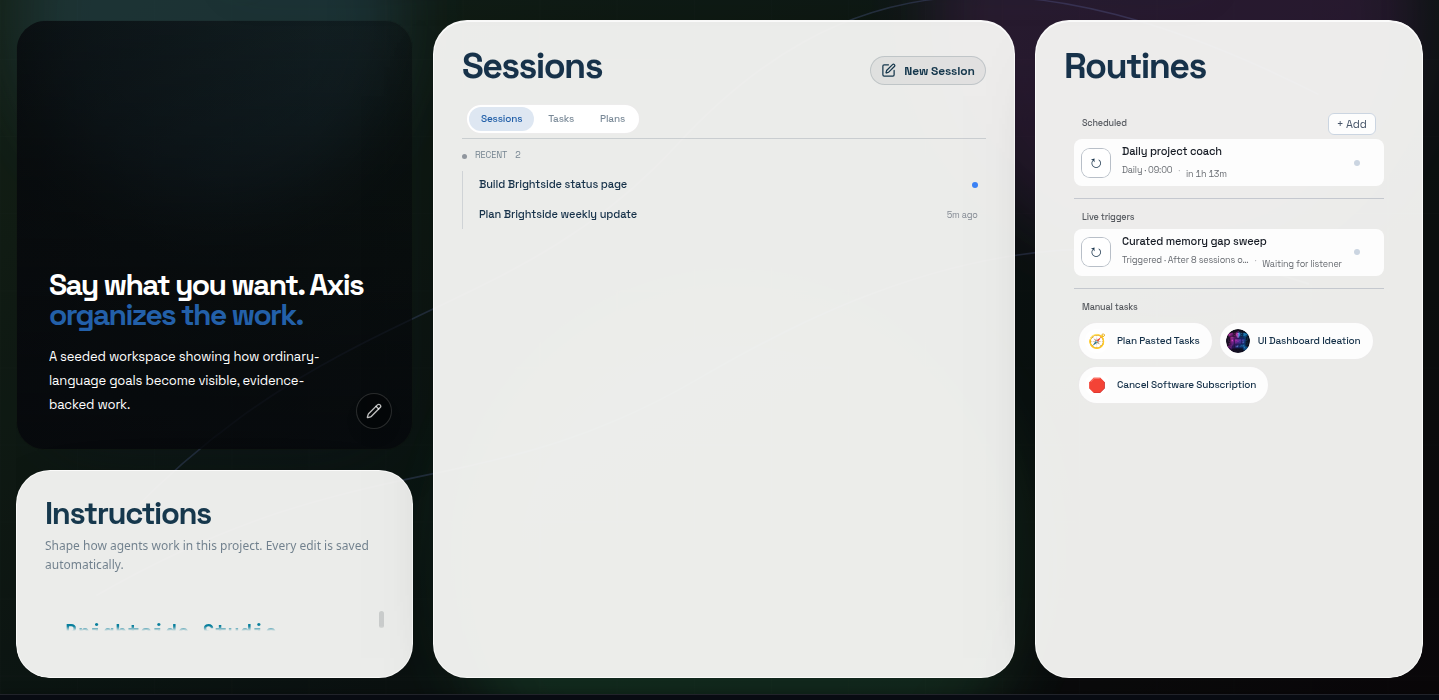
Real Axis UI with deliberately seeded, privacy-safe demonstration content.
What a shared server gives a team
Section titled “What a shared server gives a team”- One source of truth. Spaces hold each area of work with a home page, a goal and an Up next list, so anyone can see where things stand without a status meeting.
- Shared standing rules. A project’s working agreement (
AGENTS.md) applies to every chat, whoever started it. Agents follow the same standards for everyone. - Shared memory. Corrections and decisions saved to project Memory help every later chat, not just the one where they came up.
- Internal tools in Spaces. Build a client tracker, team directory or ops console as a Space app that people and agents both use.
- Work keeps running. Routines and long agent jobs run on the server, so nothing stops when one person closes their laptop.
- One bill. One server, one subscription. Each person can still connect their own model provider where that makes sense; see Model providers.
Who can sign in today
Section titled “Who can sign in today”Every request to an Axis Cloud server passes a sign-in check at the Axis edge before it reaches the server. Today that check admits the Axis account that owns the server. The edge already carries a separate member identity on every request so that each action can be attributed to the right person, and inviting teammates with their own sign-in builds on that.
Status: teammate invitations are not in the app yet. Until they are, do not share your account password. For a team that needs several people on one server now, contact contact@tryaxis.so.
Bring the team in through the tools they already use
Section titled “Bring the team in through the tools they already use”- Slack. Connect a project’s bot to a Slack channel so the team can ask it for things where they already talk. Linking a channel needs your approval, and outbound messages follow the approval policy you set. See Bots and channels.
- Claude and ChatGPT. Approve a connector so you can search your Axis work and start agent tasks from Claude or ChatGPT. See Use Axis from Claude or ChatGPT.
- Published pages. Share a Doc, deck or site with anyone through a link, with an optional password. See Sites and sharing.
Larger teams and regions
Section titled “Larger teams and regions”Enterprise runs multiple live servers in different regions that mirror and back each other up. Get in touch at contact@tryaxis.so.