
Remote access
How you reach Axis from another device depends on where it runs.
| You use | How you reach it | What you set up |
|---|---|---|
| Axis Cloud | Open https://<your-name>.cloud.tryaxis.so and sign in with your Axis account |
Nothing |
| Self-hosted (your own Mac or Linux machine) | Through a private network you control, usually Tailscale | The network, and keeping the machine on |
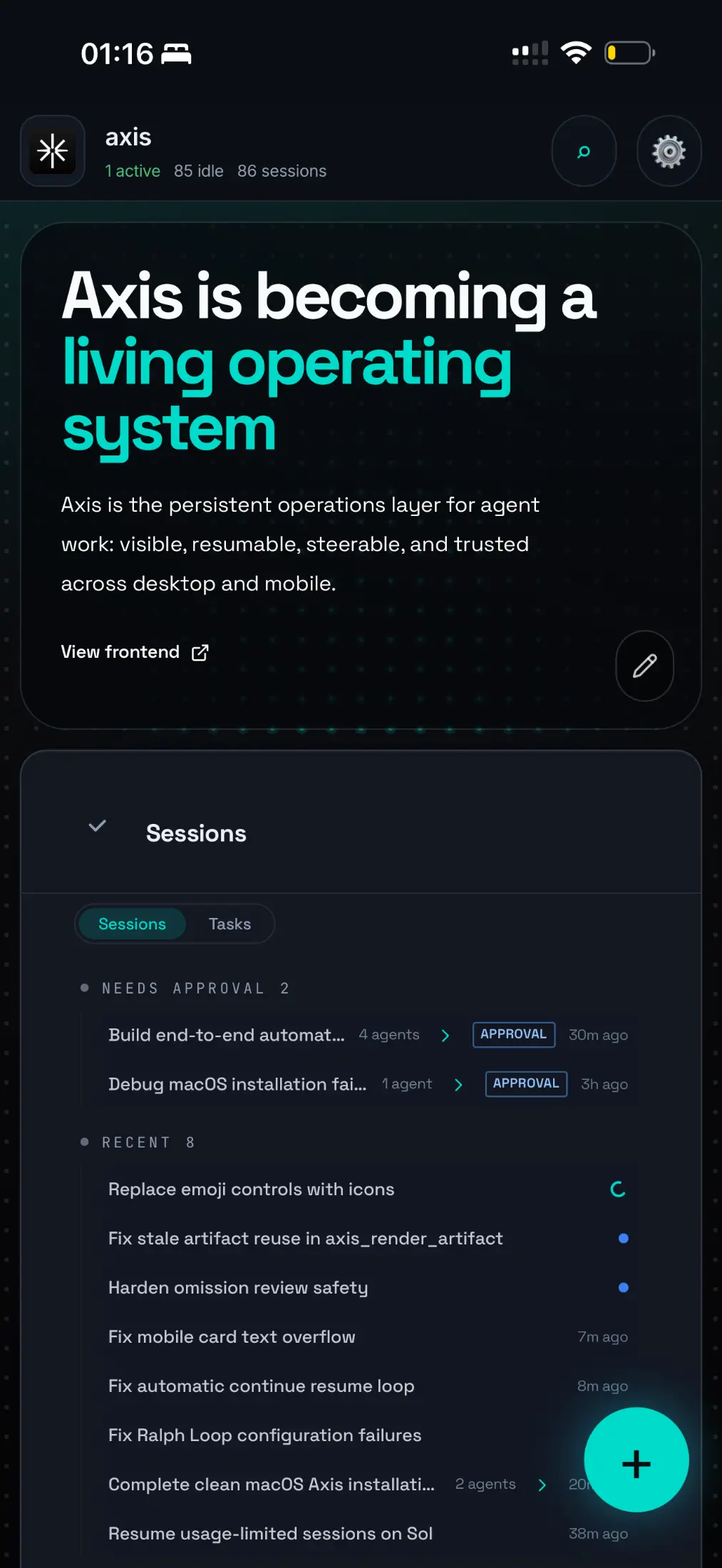
Real Axis UI with deliberately seeded, privacy-safe demonstration content.
Axis Cloud: just sign in
Section titled “Axis Cloud: just sign in”With Axis Cloud there is no VPN, no Tailscale, no pairing code and nothing to install.
- Open your server’s address on any phone, tablet or computer.
- Sign in with your Axis account, by email code or Sign in with Apple.
- You land in the same Spaces and chats you left on your other device.
Your server has no open inbound ports. The Axis edge checks your sign-in before forwarding anything to it through an encrypted tunnel. Your server is always on, so work keeps going when every device is closed. See Security and data for the details, and Use Axis from Claude or ChatGPT to reach it from those apps too.
Self-hosted: use your own private network
Section titled “Self-hosted: use your own private network”If you run Axis on your own machine, it is only as reachable as your network makes it. The usual setup is Tailscale, which you install and manage yourself.
- Install Tailscale on the machine running Axis.
- Install it on the phone, tablet or computer you want to use.
- Sign both devices in to the same tailnet, and check your access rules allow the connection.
- Confirm Axis is running on the host.
- Open the Axis client on the second device and pair it with your node.
Shipped clients never contain a personal hardcoded server address. Each person pairs with their own node.
Use the node’s Tailscale name
Section titled “Use the node’s Tailscale name”A Tailscale *.ts.net hostname is the preferred address when available. Its certificate rotates,
so it must not be treated as a permanent fingerprint. Fingerprint pinning only makes sense where a
self-signed local-network certificate is the explicit trust anchor.
Keep the host available
Section titled “Keep the host available”Remote access cannot wake a powered-off or sleeping machine. For work to continue, the host must stay powered, awake enough to serve Axis, connected, and running the Axis services. This is the main reason people move to Axis Cloud.
Treat pairing details as private
Section titled “Treat pairing details as private”Do not publish node hostnames, tailnet names, IP addresses, pairing codes, QR codes or certificate fingerprints. Revoke lost devices in both Axis and Tailscale.
Do not expose a self-hosted Axis directly to the public internet. Its own port is meant for your private network only.
Diagnose in layers
Section titled “Diagnose in layers”- Are both devices connected to the intended tailnet?
- Do your access rules allow the client to reach the host and the Axis port?
- Is the host awake and Axis healthy?
- Is the client paired to the right node?
- Did the node’s hostname or local trust setup change?